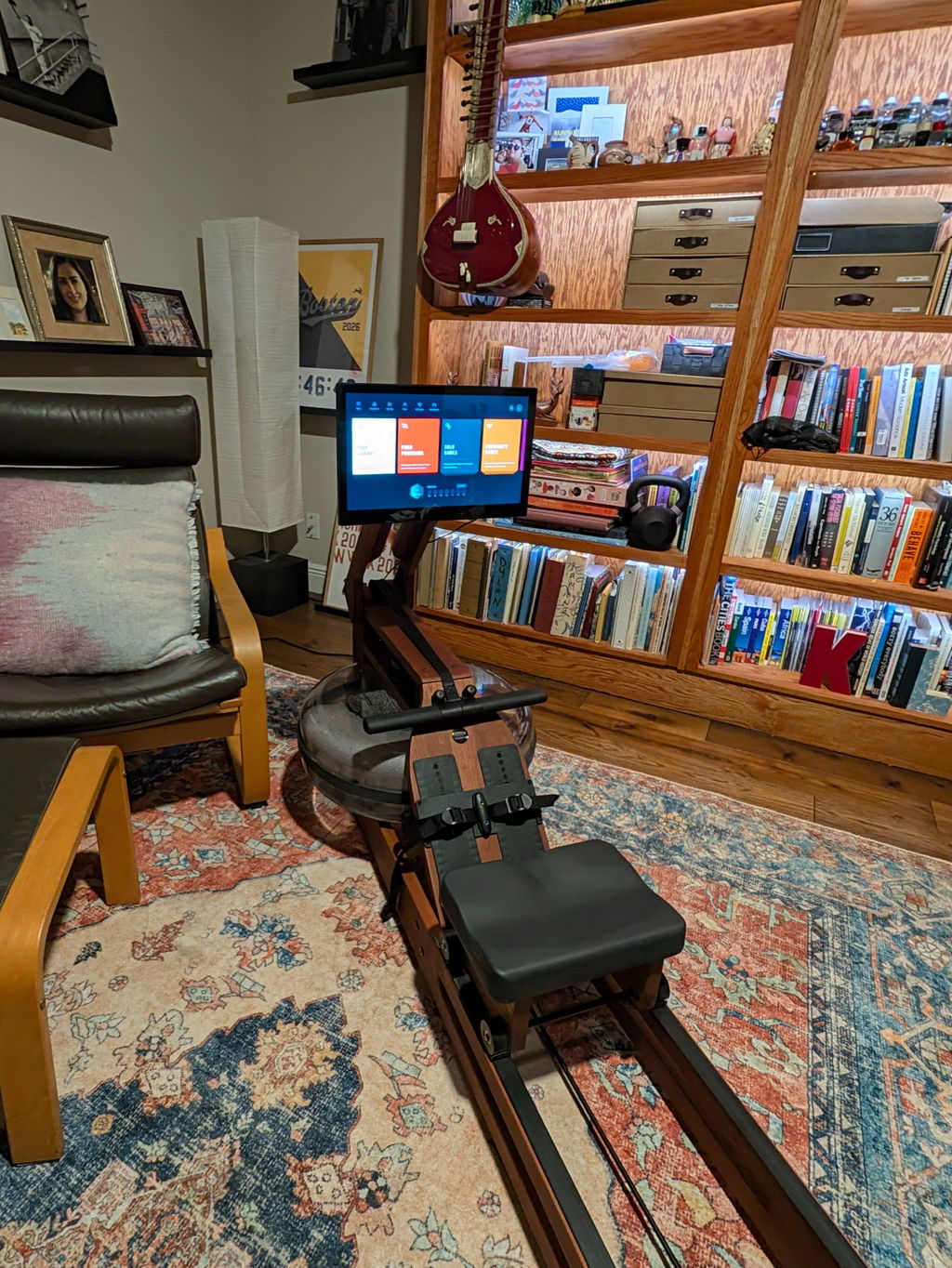
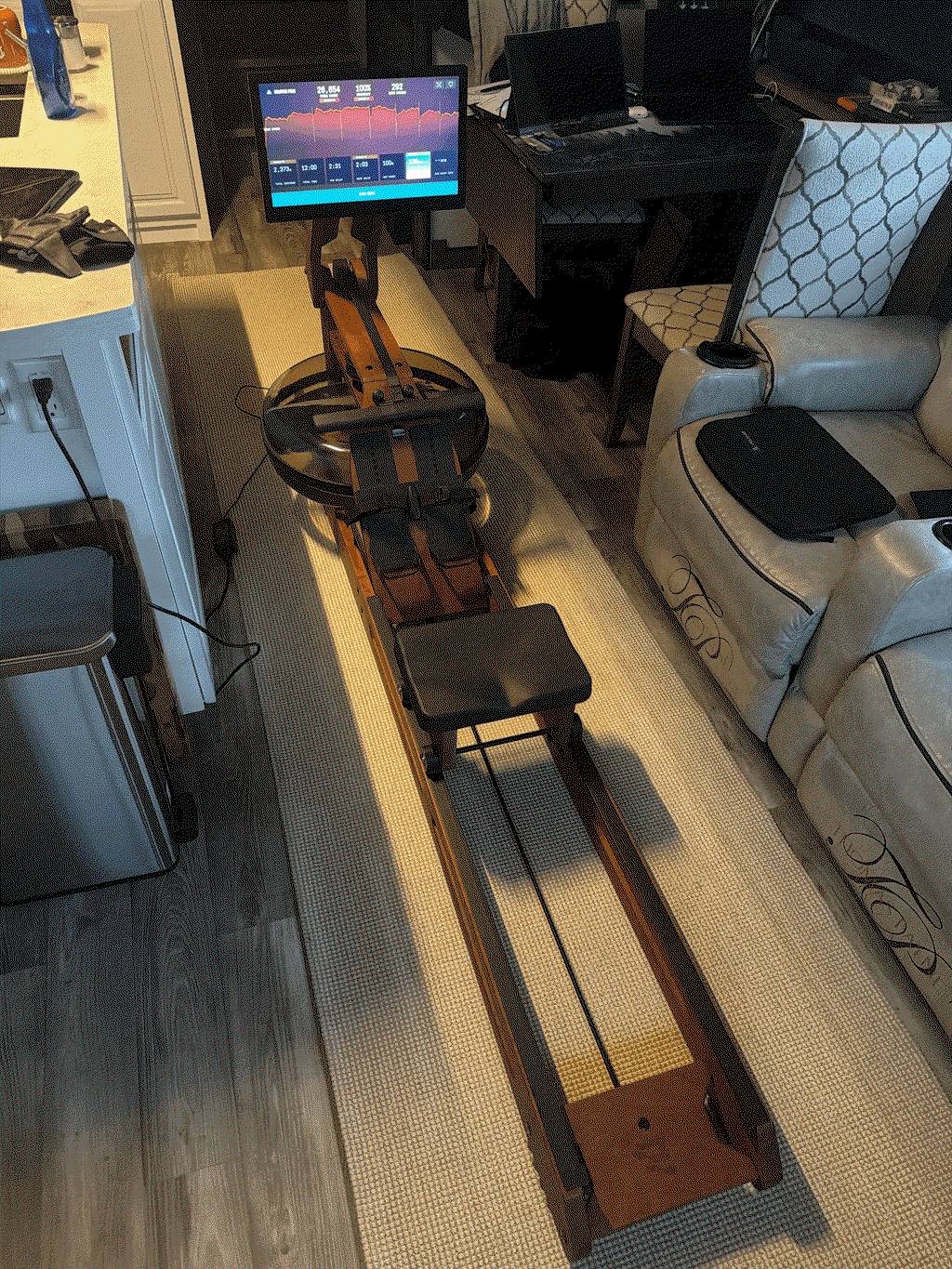
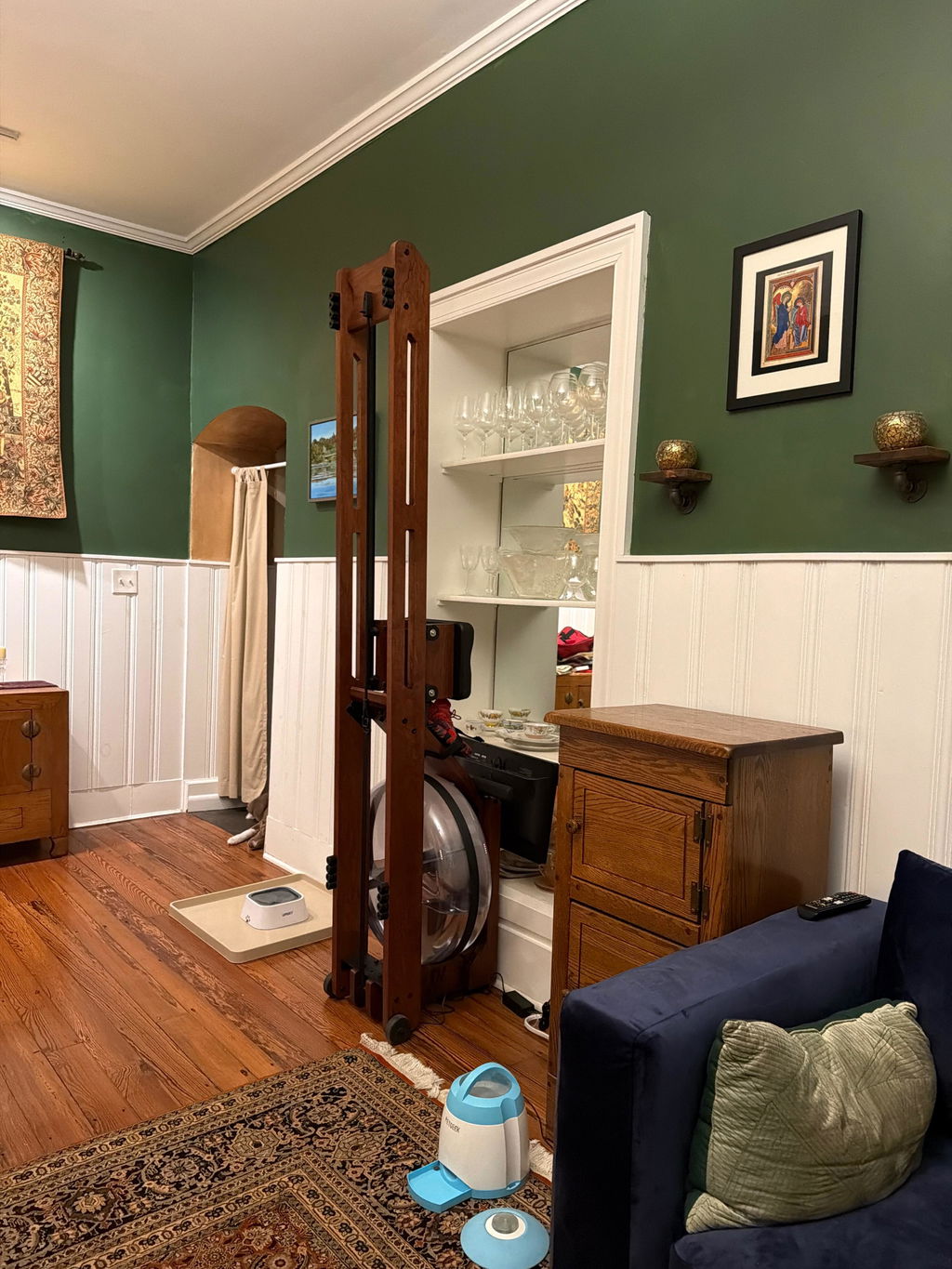
I absolutely love my Ergatta Rower. It’s one of those rare pieces of fitness equipment that actually makes me want to use it.
The design is beautiful, the build quality feels excellent, and it looks more like a piece of handcrafted furniture than something that belongs hidden away in a home gym. But what really makes Ergatta special is the experience. The game-based workouts completely changed rowing for me. Instead of staring at a timer and counting down the minutes, I’m focused on hitting targets, competing, improving my scores, and pushing myself just a little harder each time.
It somehow manages to make a genuinely tough workout feel engaging and rewarding. I can get completely locked into a session and realize afterward that I worked much harder than I probably would have with a traditional workout.
I also love that the experience adapts to your ability. You don’t have to be an elite athlete to enjoy it, and as you improve, there’s always another challenge waiting for you. It gives you a real sense of progression rather than simply logging another workout.
The water resistance is smooth, natural, and incredibly satisfying, and the sound of the water adds something you simply don’t get from most exercise equipment.
I’ve owned and used plenty of fitness equipment over the years, and Ergatta is easily one of the few that I genuinely look forward to getting on. It’s beautifully designed, incredibly well thought out, challenging without being boring, and actually makes exercise fun.
If you’re someone who has trouble staying motivated with traditional workouts, Ergatta figured out something special. This isn’t just a rower I own. It’s a rower I actually use, and that might be the highest compliment I can give it.