Overview
Two of the features you've asked for are now live. You can discard recalibration results you don't want to keep. And in-game metrics are bigger, so they're easier to read while you row. Both changes came straight from your feedback.
Keep the Intensity Zones that fit you
You can now reject recalibration results from both manual and automatic recalibrations. After you recalibrate, you'll see a prompt to accept or discard the results. If you discard them, your previous Intensity Zones stay in place.
Read your metrics at a glance
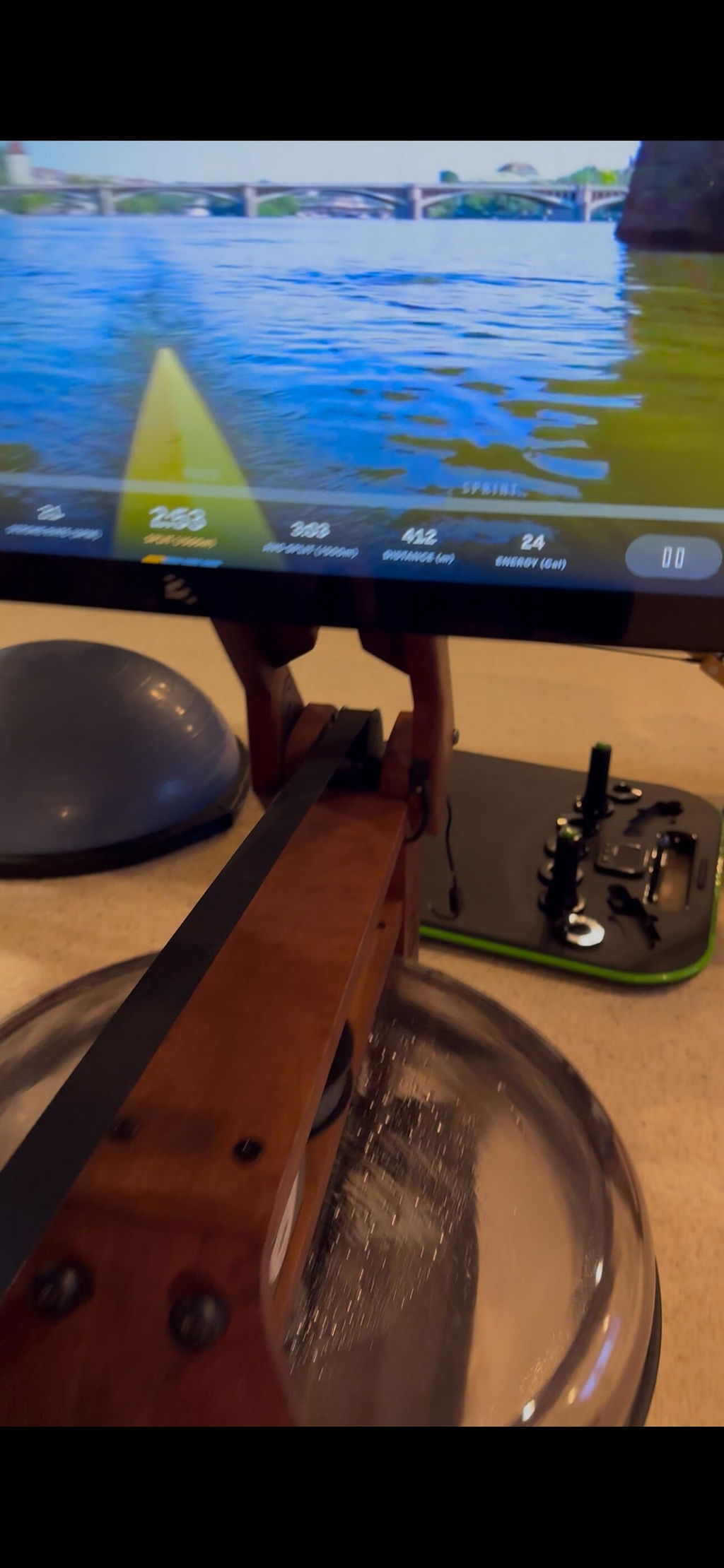
We've increased the font size of in-game metrics. Your numbers are easier to catch mid-stroke, so you can check your progress without breaking rhythm or leaning toward the screen.
This matters most when you're working hard. Halfway through a Race, a quick look should be all it takes to know where you stand.
How to get the update
Both features are available in the latest version of the app. Make sure your rower is running it, then head into your next workout to see the larger metrics. The option to discard results appears the next time you recalibrate.
We always appreciate your feedback and the role you play in making the Ergatta experience better for every member. Have an idea or a question? Reach out at support@ergatta.com.
Game on.